October 7, 2026
September 8, 2026
Today we are excited to announce the release of Process Tempo Jupiter 6.0!!
The Jupiter 6.0 Design System is our most powerful release yet, with both front-end and backend improvements designed to help our customers build solutions even faster. The new features in Jupiter, Voyager, and Galileo put more power in your hands to help you build scalable, enterprise-grade applications.
Here’s an overview of everything that’s included in this release:
New to the Jupiter platform:
New to the Voyager graph design environment:
New to the Galileo AI Assistant
Eager to see Jupiter 6.0 in action? Schedule a demo to experience it for yourself.
Now, let’s dive into the details.
Jupiter 6.0 now comes with a brand-new connector design environment for graph databases and graph query engines. The new connector design interface allows you to:
This new feature increases transparency and reduces your design effort.
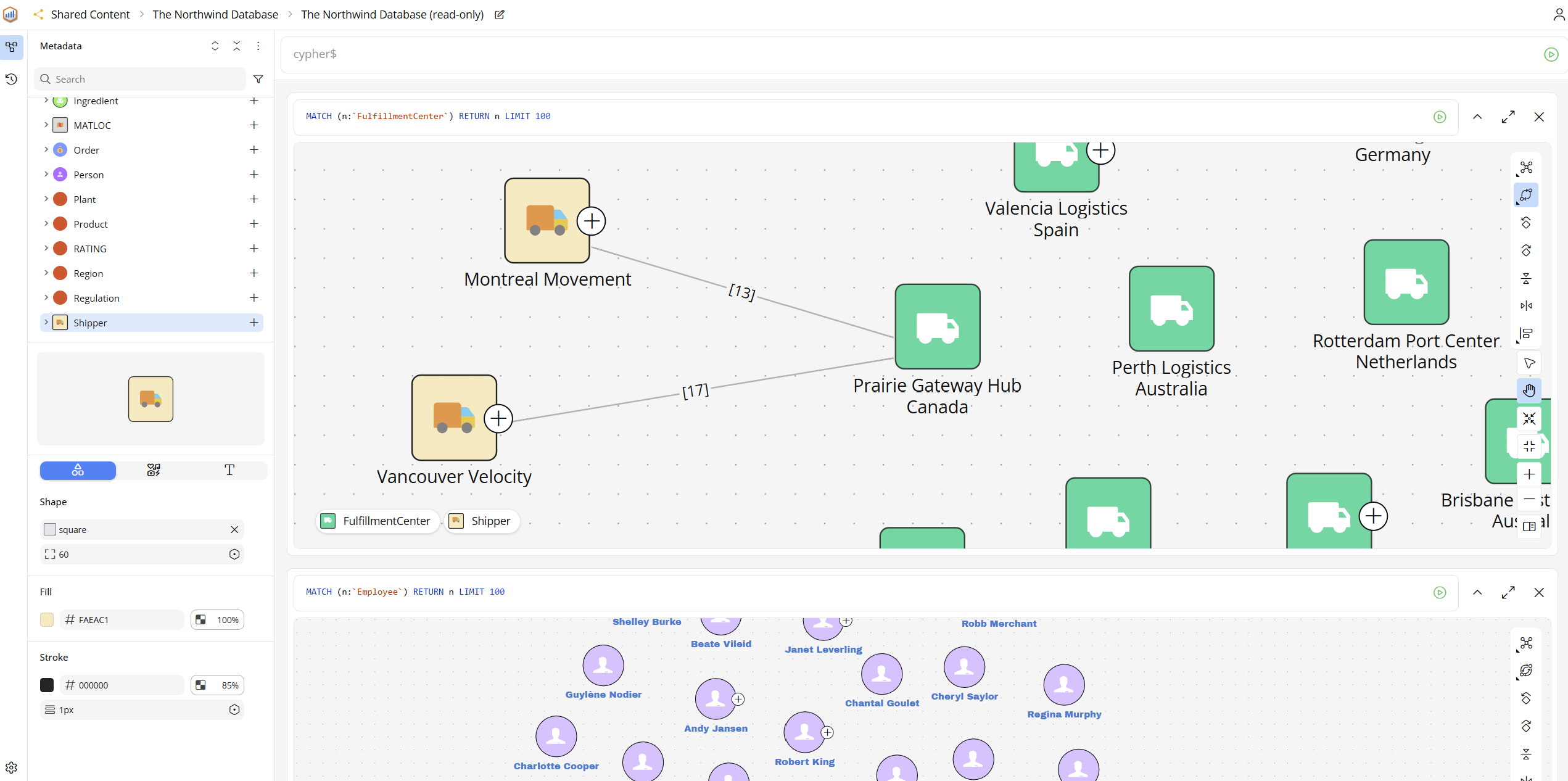
Gradient colors can now be added to any control that has a background style setting, allowing you to add more color to your designs. You can also use an angle control to change the angle of the gradient (such as top-to-bottom, left-to-right, diagonal, etc.).
This new feature makes your designs more appealing and engaging to end users.
A warning now appears in Jupiter 6.0 if your internet is disconnected while in design mode. A note to refresh the browser minimizes the chances of lost work due to broken internet connections.
We hope this reduces the chance of lost work when you have a spotty internet connection.
It is now easier to map parameters to controls using the new control selector. The picker option allows you to simply click the target control to create the mapping between control and parameter.
The Process Tempo team has also made improvements to the selection list making it easier to find the control in the list of options. This should make building dashboards faster and easier.
In version 6.0 we improved how Dark Mode works. You can now choose a dark or light theme from the profile panel in Jupiter. Selecting ‘System’ will use the mode selected at the OS level.
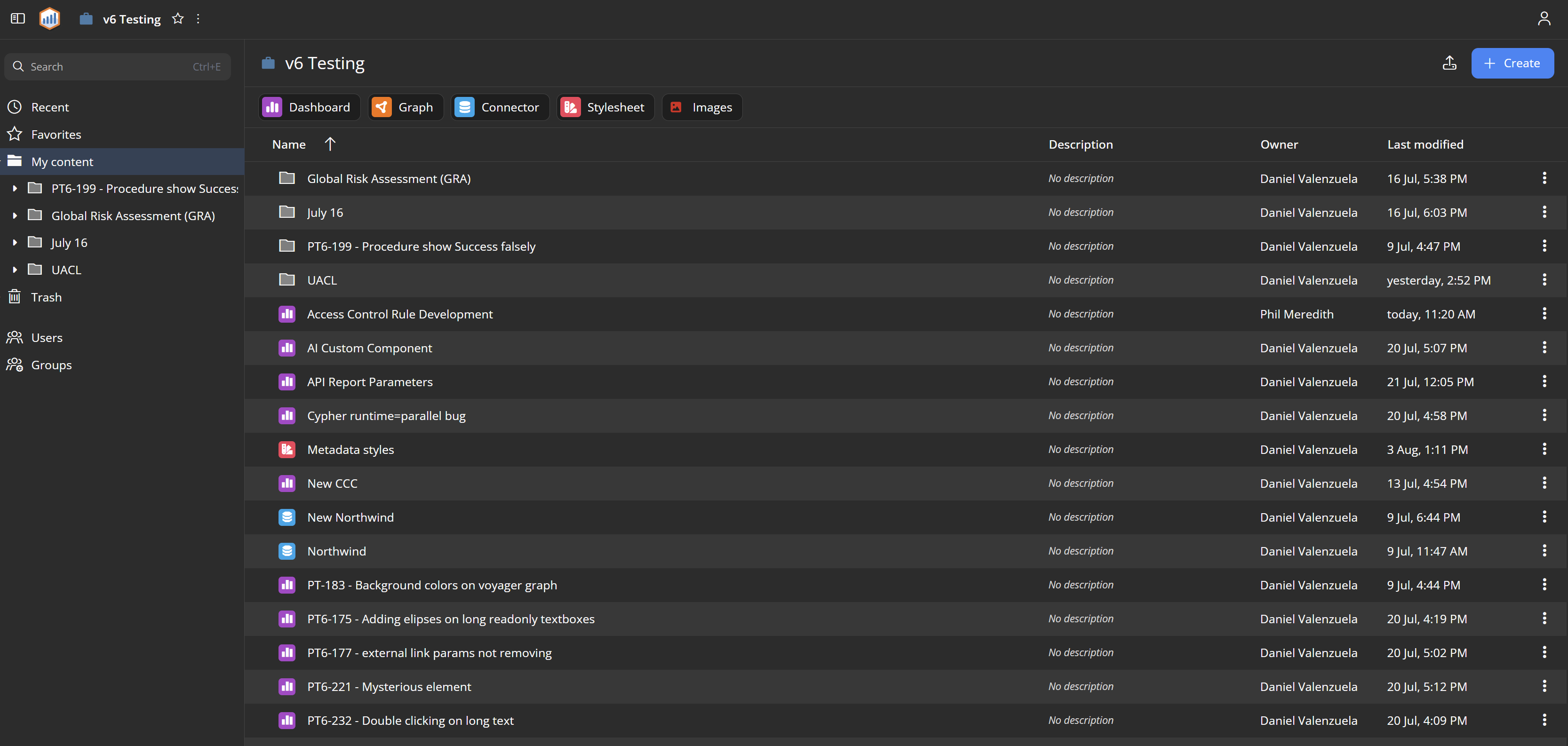
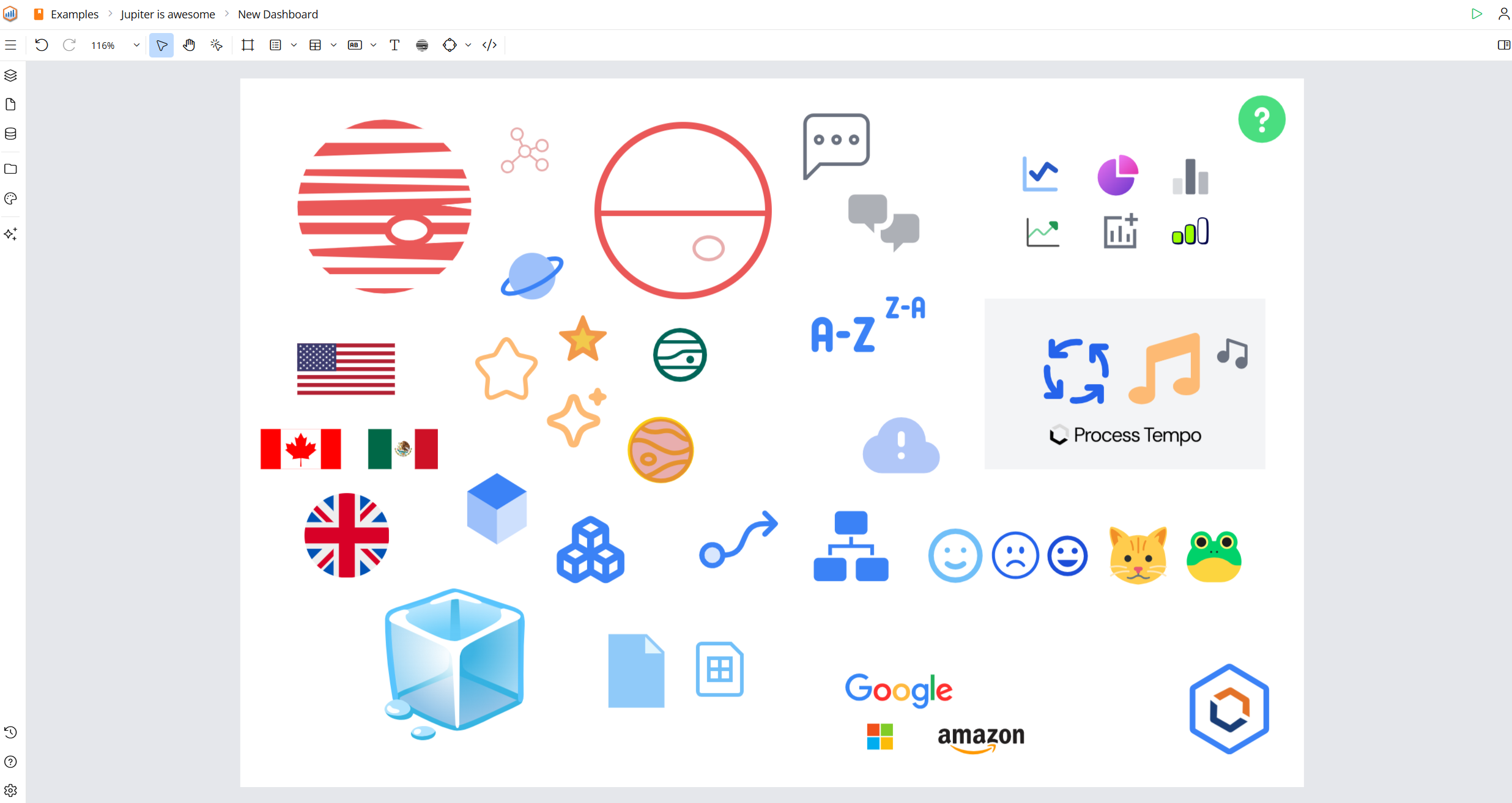
Designers in both Jupiter and Voyager now have many more icons to choose from. The wider range of icon choices makes your designs more appealing and can potentially increase end-user adoption.
Designers now have two options for defining conditional actions or styles: If/Then and Switch/Case.
The new Switch/Case feature allows you to compare values and execute actions when values match. This approach is very useful when adding actions to tables, graphs, and components that leverage array data types.
We hope conditional actions make it easier for you to implement complex user interactions.
Jupiter 6.0 makes it easier for administrators to manage single sign-on (SSO) features within the platform. Most changes no longer require a system restart.
Here are just a few more of the additional enhancements now available in the 6.0 release of Process Tempo Jupiter:
With version 6.0, we have made significant improvements to the Voyager data visualization and design environment with a focus on stability and ease of use.
Graph visualizations generated by Voyager are now much more aesthetically appealing and easier to embed within Jupiter dashboards.
Jupiter designers can now easily add a Voyager graph visualization to any Jupiter dashboard. This makes it easy for your Voyager designers to share their work with the rest of the organization.
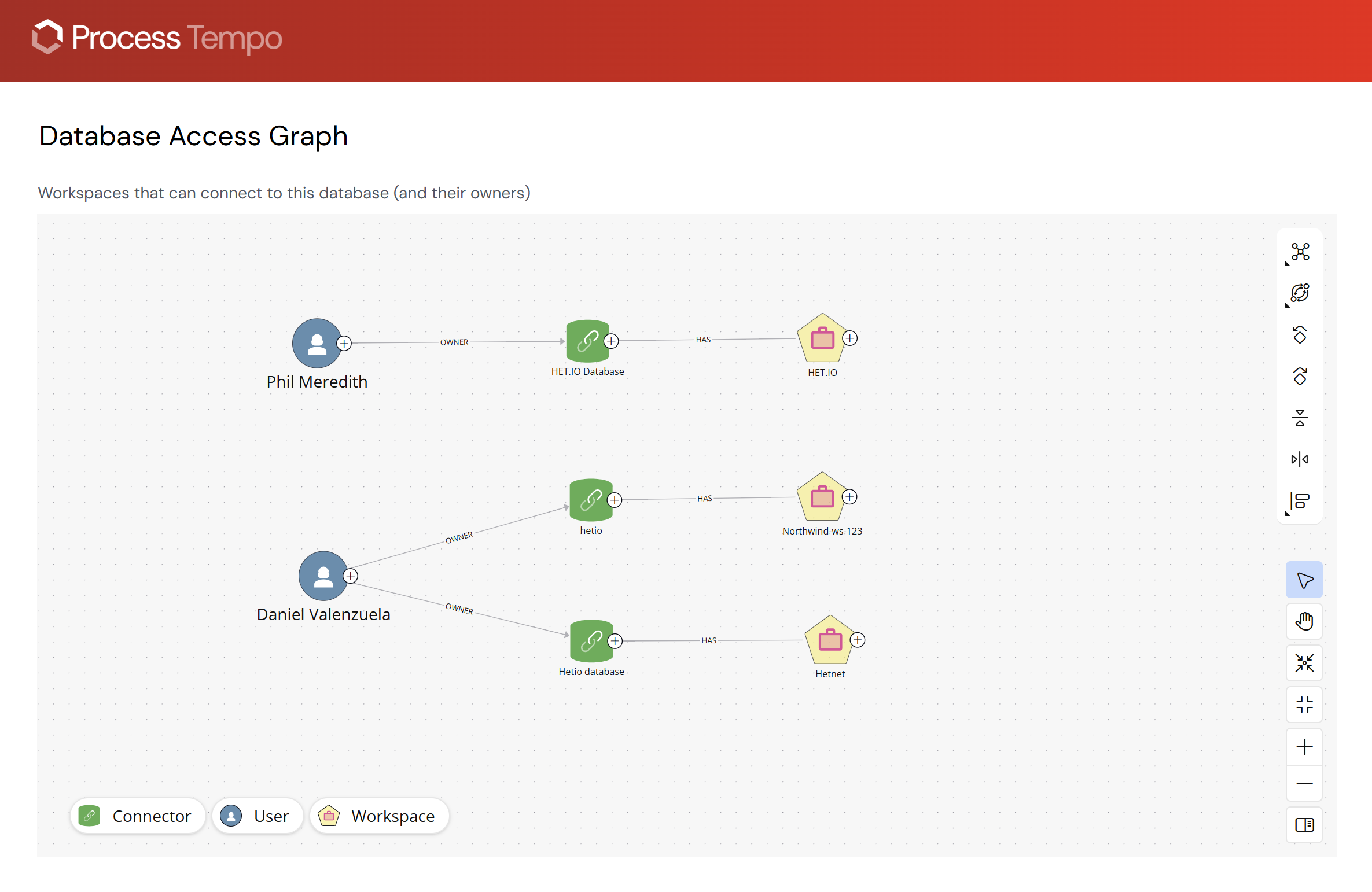
In 6.0, Jupiter designers can now adjust the styles of an embedded Voyager graph visualization without changing the style settings of the original graph. This feature makes it easy to customize embedded graphs so they adopt the look and feel of the surrounding Jupiter dashboard.
We have improved the styling features in Voyager. By default, new graphs created in Voyager will inherit the styles attached to the selected connector. Sharing visual styles between connectors and Voyager graphs speeds up development and creates consistency.
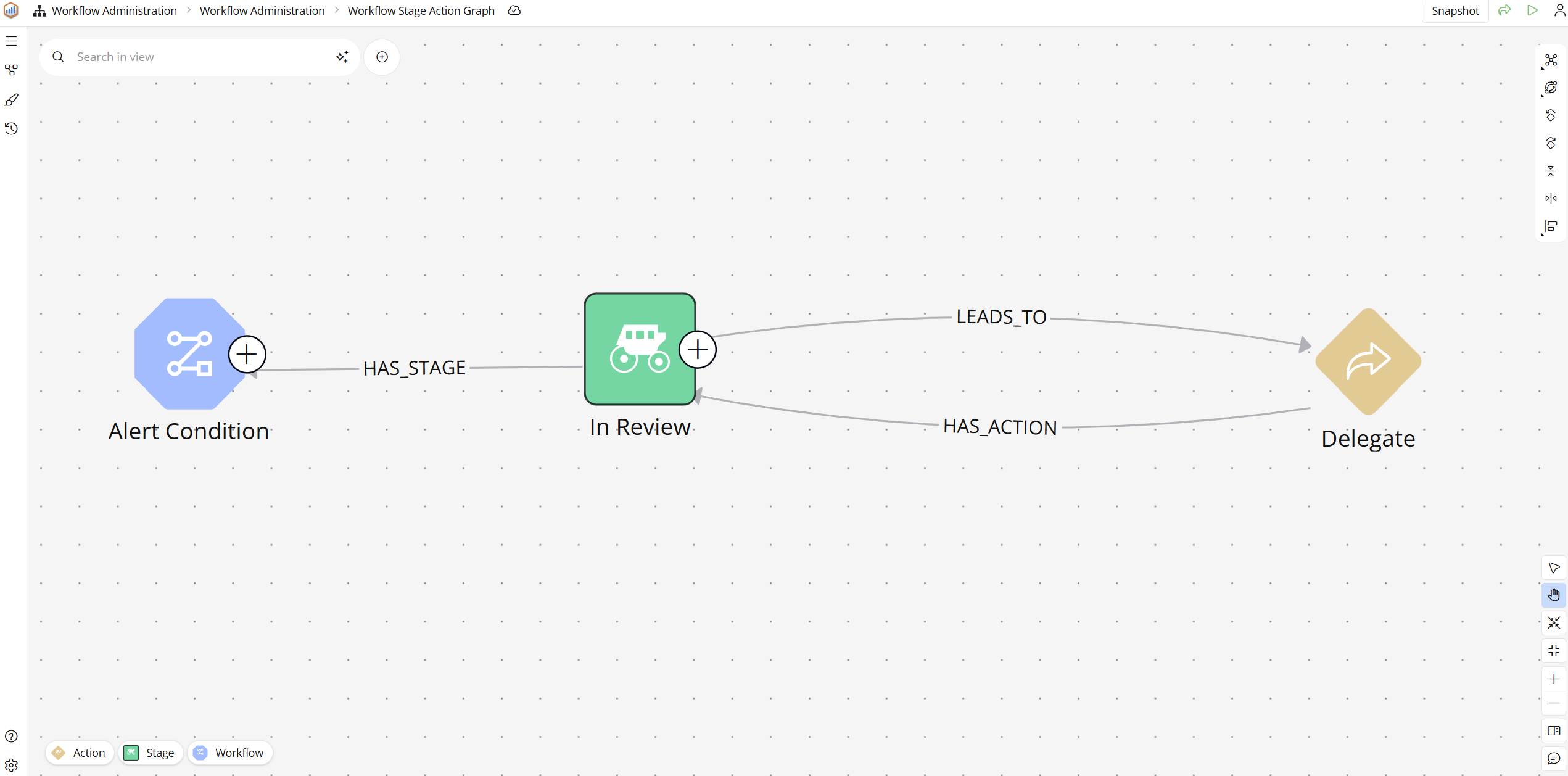
It is now much easier to dynamically style content in the graph. Designers can change the size, fill, and stroke values based on properties found in the data. Dynamically styling also makes it easier to spot important nodes or relationships within the graph.
Voyager designs can be enhanced by grouping nodes within a frame making them easier to reposition. You may want to draw attention to specific parts of your graph, and framing nodes makes them stand out in the ways you need.

In this 6.0 release, we redesigned the expansion menu, so when you’re expanding nodes within a Voyager graph, the selected relationships are better organized and easier to explore. This makes navigating the graph a simpler and more enjoyable experience.
Galileo – the native agent within the Jupiter platform – has seen incremental improvements since its first release in March 2026. With the new MCP server now available in version 6.0, the integrated AI assistant dramatically accelerates your development of Jupiter content.
Here are just a few of Galileo’s capabilities:
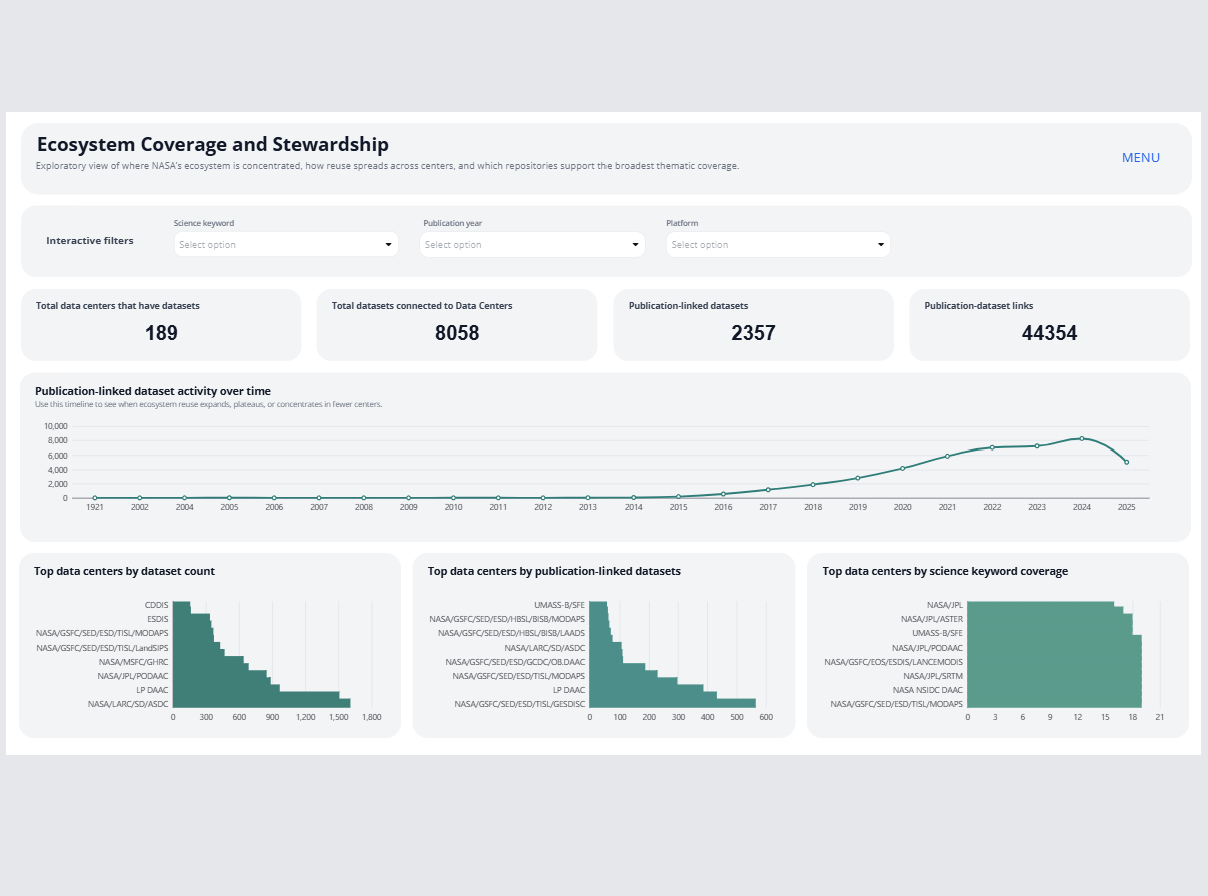
We hope you enjoy Jupiter 6.0. As always, the Process Tempo team worked hard on this release to keep giving our customers the power to build enterprise-scale applications without enterprise-level effort. We believe the features in 6.0 make that vision of rapid application development even more of a reality.
Let us know what you think about the release – we’re always eager for user feedback. If you’re an existing customer, please contact us about managing the upgrade, and if you haven’t tried Process Tempo Jupiter, there’s no time like the present to schedule a demo.



Build enterprise-ready applications without writing code.
