October 16, 2026
Ask an AI assistant to build a dashboard, and the first version can arrive remarkably quickly. That changes the economics of exploring data and puts useful analysis within reach of more people.
Anthropic’s Claude Dashboards brings this experience to connected business data. Its launch has prompted a familiar question: do organizations still need dedicated business intelligence tools?
For business leaders, an equally useful question is what happens after the dashboard is built. Who can use it? What should each person see? Who maintains it? And when it reveals a problem, how does that problem get resolved?
Process Tempo Jupiter gives organizations a way to use AI assistants such as Claude and ChatGPT to build dashboards within a platform designed for business applications.
Here are five reasons to take that approach:
Consider a purchasing dashboard that reveals a sharp increase in spending with an unapproved supplier. Someone needs to investigate the purchases, document the explanation, and decide whether a supplier review is required.
In Jupiter, you can design the dashboard to include the forms and workflow that support those steps. A purchasing manager could open the affected orders, submit a review, and route it to the appropriate approver. Jupiter supports applications that combine analytics with read and write operations. [3]
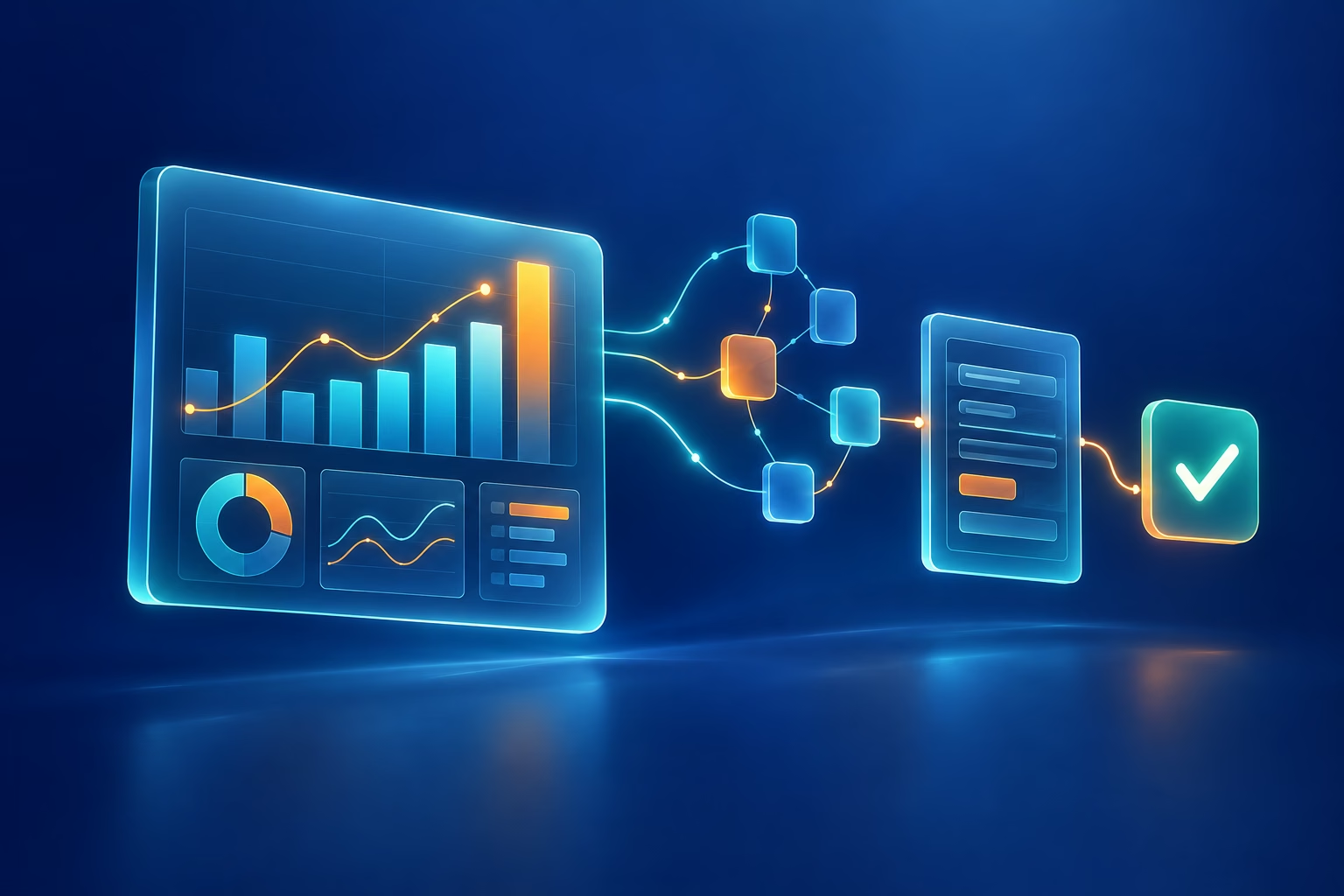
That changes the dashboard’s role in the process. The team can see the issue and move its resolution forward in the same application. As a result, the work has a defined path beyond the chart that first drew attention to it.
Even a well-designed dashboard depends on people checking it. A material change can develop between visits, especially when a team is watching many metrics across multiple systems.
Jupiter supports workflows with embedded AI agents. [3] A solution could be configured to examine purchasing patterns, identify unusual changes, and initiate a review when agreed conditions are met. The review could include the supporting evidence and a request for the responsible person to investigate.
For example, an increase in purchases from a supplier might be harmless seasonal demand. It might also indicate a growing dependency or a departure from purchasing policy. An agent can help assemble the context, while workflow directs the decision to the people accountable for it.
The dashboard then becomes the place where stakeholders review the finding and track the response. The organization gets an ongoing process for addressing exceptions, with human approval wherever the business requires it.
Sharing a dashboard involves more than sending a link. Claude’s current documentation says viewers of its new shared artifacts need Claude accounts. For live connected data, artifacts use the viewer’s own connections and access. Connector setup and individual authorization requirements depend on the service and organization. [1]
These are practical rollout considerations. Before sharing with an entire sales team, determine who provisions access, helps users connect, and updates permissions when responsibilities change.
Suppose Bob and Tom open the same sales dashboard. Bob should see his accounts, and Tom should see his. This is row-level security. A filter that either person can change is not an access control.
Claude inherits source permissions; custom connectors using shared credentials have that credential’s access. [2] Anthropic’s current dashboard documentation does not describe native dashboard-level RLS policy management. Source-enforced RLS may provide the separation, depending on the connector and source configuration.
Jupiter provides role-based access, administration, and audit logging as part of its application platform. [4] The design goal is one shared application that presents information and actions appropriate to each user. That requires deliberately configured and tested authorization, including row-level restrictions where needed. It should be part of the application design from the outset.
Claude provides useful transparency: dashboards are saved, can be refined, and expose chart queries and last-refresh times. [5] Those are valuable capabilities. Reading a query, however, does not necessarily explain why a business problem is developing.
A delivery dashboard might reveal that orders are late. Understanding the cause may require following connections among suppliers, materials, facilities, and customer commitments.
Voyager, Jupiter’s graph exploration environment, lets teams embed interactive graph views alongside their dashboards. Users can examine connected records and preserve a graph snapshot to share what they found. [3]
Imagine a planner investigating a delayed ingredient. A graph view could help reveal the products and customer orders connected to it. That context helps the planner judge which response deserves priority and gives colleagues a clearer basis for discussion.
For organizations investing in knowledge graphs, the opportunity is to bring those relationships into the application where decisions and follow-up work happen.
The first dashboard request is rarely the last. A manager asks for another metric. A team needs an approval step. A new department wants a variation of the same process.
Jupiter combines visual application development with Galileo’s MCP capabilities, allowing supported AI assistants to help create dashboards, forms, and applications. [3] Teams can use AI to accelerate construction and continue refining the result within the platform’s design environment.
This matters when a dashboard becomes a business dependency. Maintenance needs an owner, changes need review, and access rules need to remain consistent as the application evolves. Those responsibilities continue after the initial build.
Choose the platform with that continuing work in mind. The speed of the first version is valuable; so is having an established environment for the versions that follow.
AI has made it easier to ask a question and get a useful visual answer. For a quick investigation, that may be everything you need.
When the dashboard becomes part of daily operations, evaluate the whole experience: access for its audience, context for decisions, and a reliable path from finding an issue to resolving it.
With Jupiter, you can use AI to accelerate development while building analytics into a governed business application. Start with a business problem, identify who needs to act, and design the dashboard and workflow together.
Have a dashboard that identifies problems your team still handles through spreadsheets and email? Schedule a Process Tempo demo to explore how Jupiter can bring that work into one application.
[1] Anthropic — Share artifacts.
[2] Anthropic — Use connectors to extend Claude’s capabilities.
[3] Process Tempo — Jupiter Platform.
[4] Process Tempo — Enterprise Solutions Built on Jupiter.
[5] Anthropic — Get started with Claude Dashboards.



Build enterprise-ready applications without writing code.
